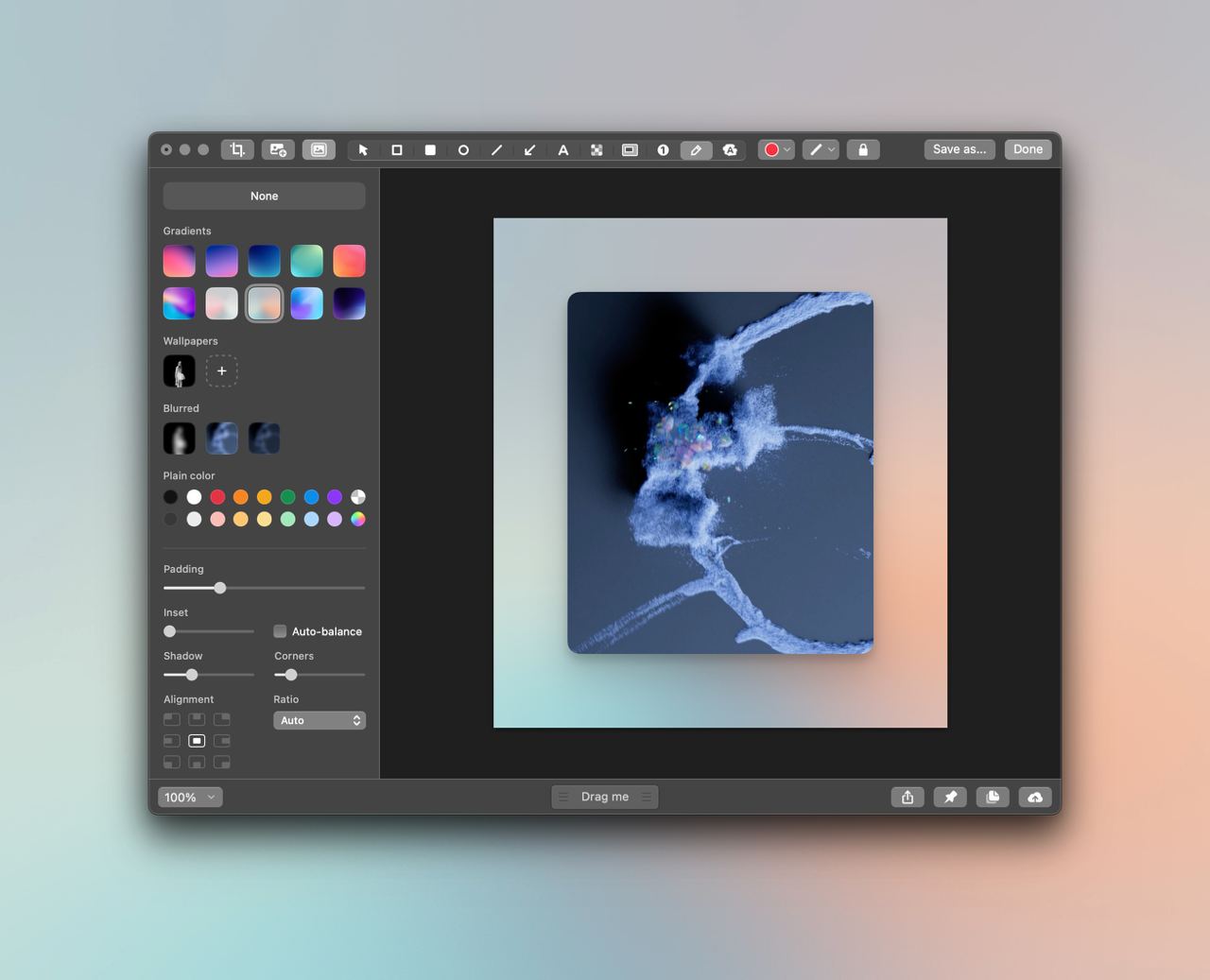
Yesterday's screenshots were made with CleanShot. I had periodically come across rave reviews of this app, while the interface pictures mos…
Yesterday's screenshots were made with CleanShot. I had periodically come across rave reviews of this app, while the interface pictures mostly scared me off. It is not as ugly as, for example, the abandoned Yandex Disk screenshot tool. But it is also not as "natural" as the screenshot tool built into the OS. Honestly, I considered the "cmd+shift+4" app an ideal assistant: there is no interface, the function is performed. One day, the lazy monkey in me wanted to share screenshots not as usual, but with a light wow effect. In Setapp I found CleanShot, which can place pretty pictures under the background. Two clicks and a sales-ready picture for a presentation is done! Faster than packaging it yourself in a graphics editor. Then I learned you can take screenshots of scrolling areas. No more stitching several images together by hand; the app does it itself. And I was finally conquered by the "Capture History" feature. The app brings up a feed over the windows with all created screenshots. Easy to use and amazing new experience: dragging pictures from there into the needed work windows. I reassigned the native hotkeys to call CleanShot: cmd+shift+4 — screenshots cmd+shift+5 — screen recording And created an additional one: cmd+shift+2 — to call the "Capture History" block. If I sold you the app, do not rush to buy it today. Tomorrow I will tell you about Setapp.