Today in Screenshots, a post about screenshots. And tomorrow will be about screenshots too. The useless Shortcuts app has one more useful a…
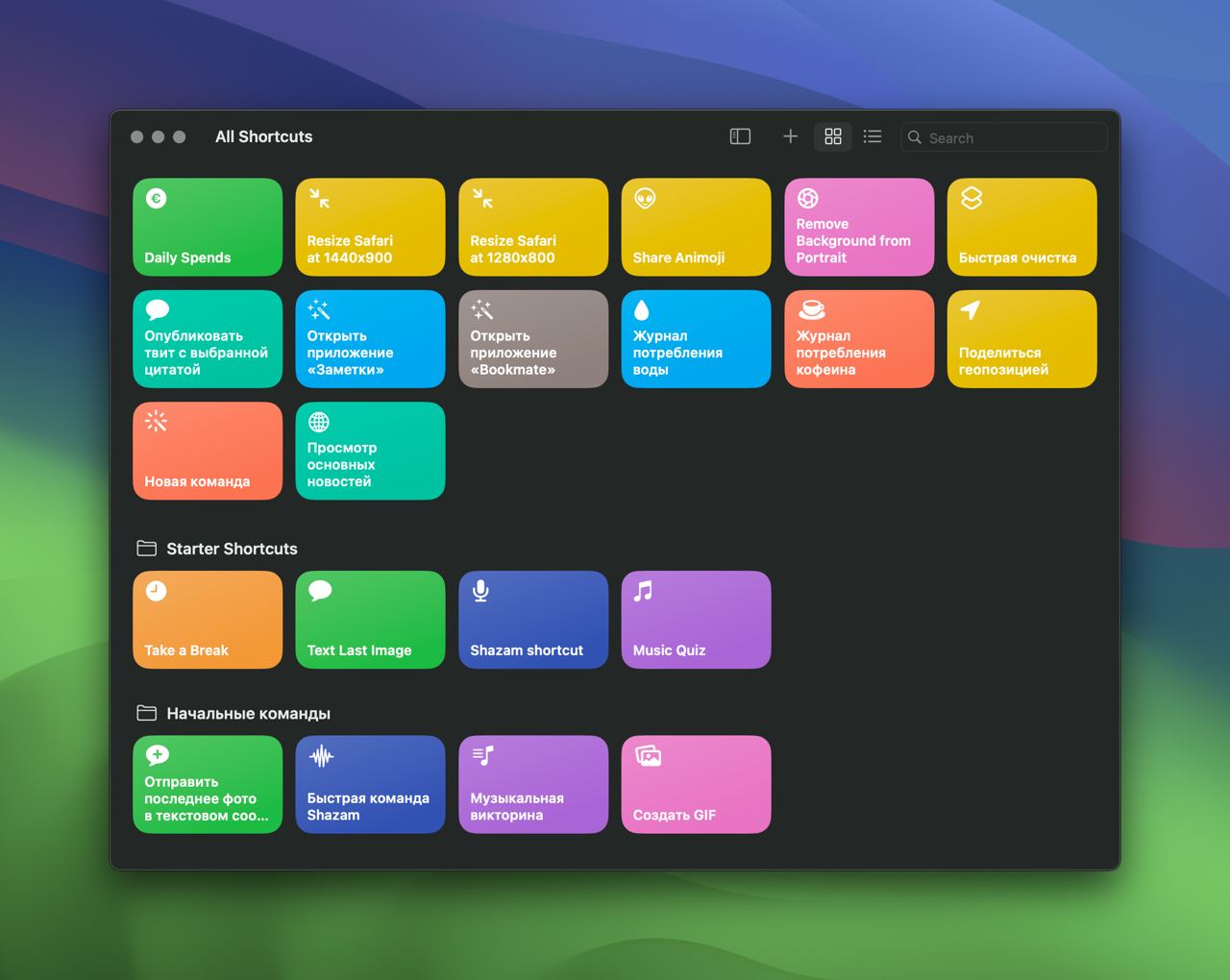
Today in Screenshots, a post about screenshots. And tomorrow will be about screenshots too. The useless Shortcuts app has one more useful application: resizing the best browser in the world to specified dimensions. At some point Seryozha Minkin called Safari the most collected of all browsers. It feels like a finished product. No wires or microchips stick out of it, and you do not see layers of decisions from different people who replaced each other on the project. When we design for desktop web, we draw it inside a browser frame. It is worth keeping in mind that screen height is eaten by operating-system panels and browser chrome. And we have roughly 800px of height available instead of 1100px. There is also often a need to compare the mockup with the production solution. This is where Shortcuts are useful. There you can create a script that changes Safari's screen size. So it is like in the mockup. I have two of them: 1440x900 and 1280x800. Like in the mockup. I attached links to the shortcuts.